How to Check Battery Health of a Used Smartphone: Expert Advice
Buying a used gadget requires thorough diagnostics, as a worn-out battery is a critical factor affecting device performance.
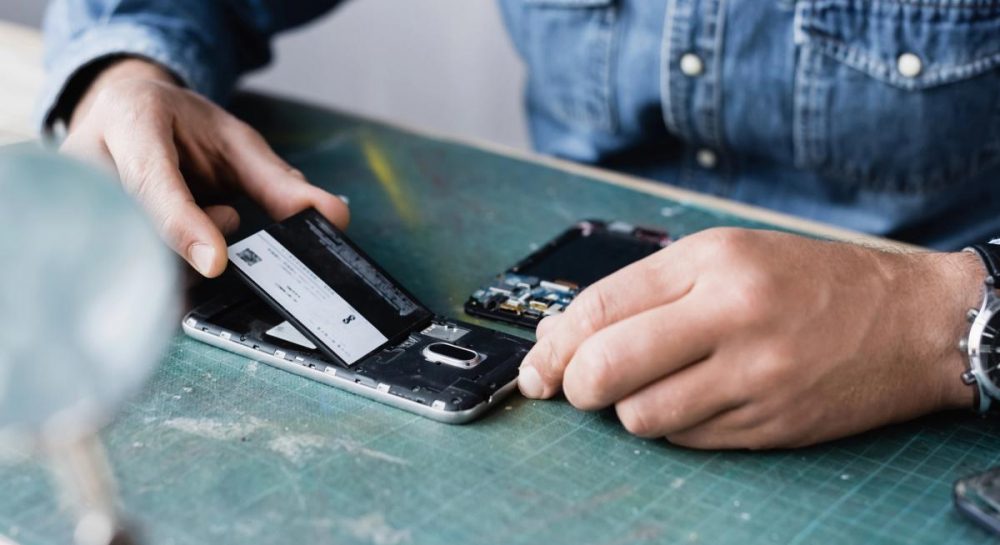 💡Tech
Photo: UNIAN
Key points
- A worn-out battery reduces smartphone performance
- Physical signs of repair include uneven gaps and damaged screws
- Software diagnostics in settings can identify non-original parts
Why checking battery health is essential
Purchasing a used smartphone can be a great way to save money, but buyers often encounter hidden defects. The most vulnerable component is the battery, which directly impacts the stability and speed of the device. Experts emphasize that you should not rely solely on the seller's claims, as even a flawless exterior does not guarantee the integrity of internal components.
Physical and software diagnostic methods
Before closing a deal, inspect the casing carefully. Uneven gaps or a loose display fit may indicate unprofessional tampering and battery replacement. You should also check the screws: screwdriver marks or color mismatches often suggest that the device has been opened.
- Check the "Parts and Service History" section in iPhone settings.
- Ask the seller for service center documentation if the battery has been replaced.
- Avoid devices with non-original parts that can cause overheating.
Software-based checks through the smartphone's settings are a mandatory step for users of modern devices from Apple, Samsung, and Google. These systems can identify non-genuine components, helping you avoid purchasing a problematic gadget.
Source UNIAN — unian.ua/techno/gadgets/yak-pereviriti-akumulyator-u-vzhivanomu-tel… ↗
Read next
 🛡️Security
Power restored in Rivne region following enemy attack
Electricity supply has been fully restored in the Sarny district of the Rivne region after being disrupted by a Russian attack on November 20.
 🎭Culture & Sport
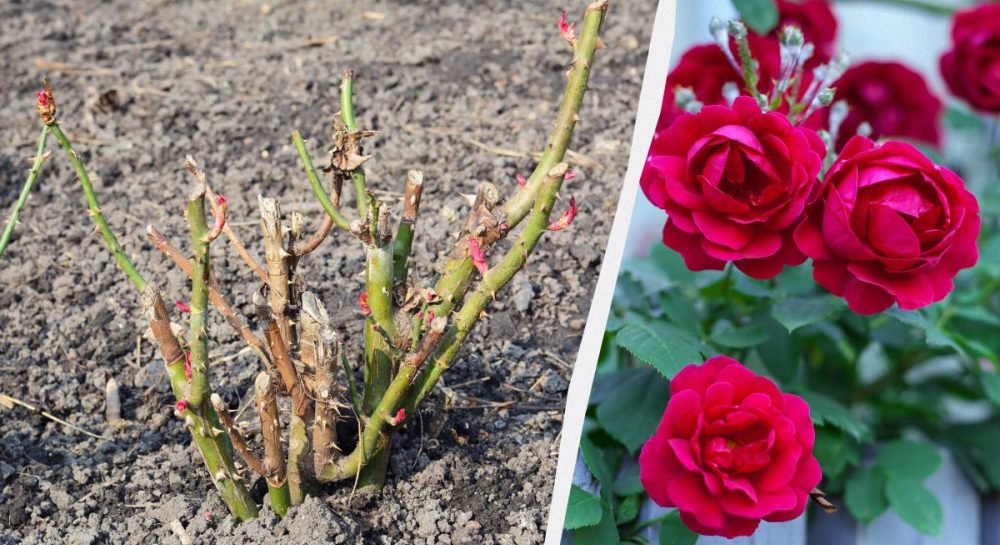
Autumn Rose Care: Tips for Gardeners in Shostka
Experts explain why it is better to delay radical rose pruning until the onset of steady cold weather.
 🛡️Security
89-year-old woman rescued from rubble of destroyed house in Dymer
Rescue teams are continuing to clear debris in Dymer after a Russian drone strike hit a residential building. The death toll from the attack has risen to nine.
 🇺🇦Ukraine
Russian corvette 'Merkury' damaged in Libya: potential sea drone attack
An explosion occurred on board the Russian warship 'Merkury' in the Libyan port of Benghazi, potentially caused by a Ukrainian sea drone strike.
 🇺🇦Ukraine
Russia tests NATO defense algorithms through airspace violations, says Dmitry Kashchenko
Retired Ukrainian Colonel Dmitry Kashchenko stated that Russian missile incursions into Polish airspace are part of a strategy to test the Alliance's readiness.
 🏙️City
Ukrainian man grows a giant 350-kilogram pumpkin
A resident of the Cherkasy region grew a record-breaking pumpkin and distributed it for free to local residents.